

100% Secure Payment

Free Worldwide Shipping

Worldwide After-Sales Service
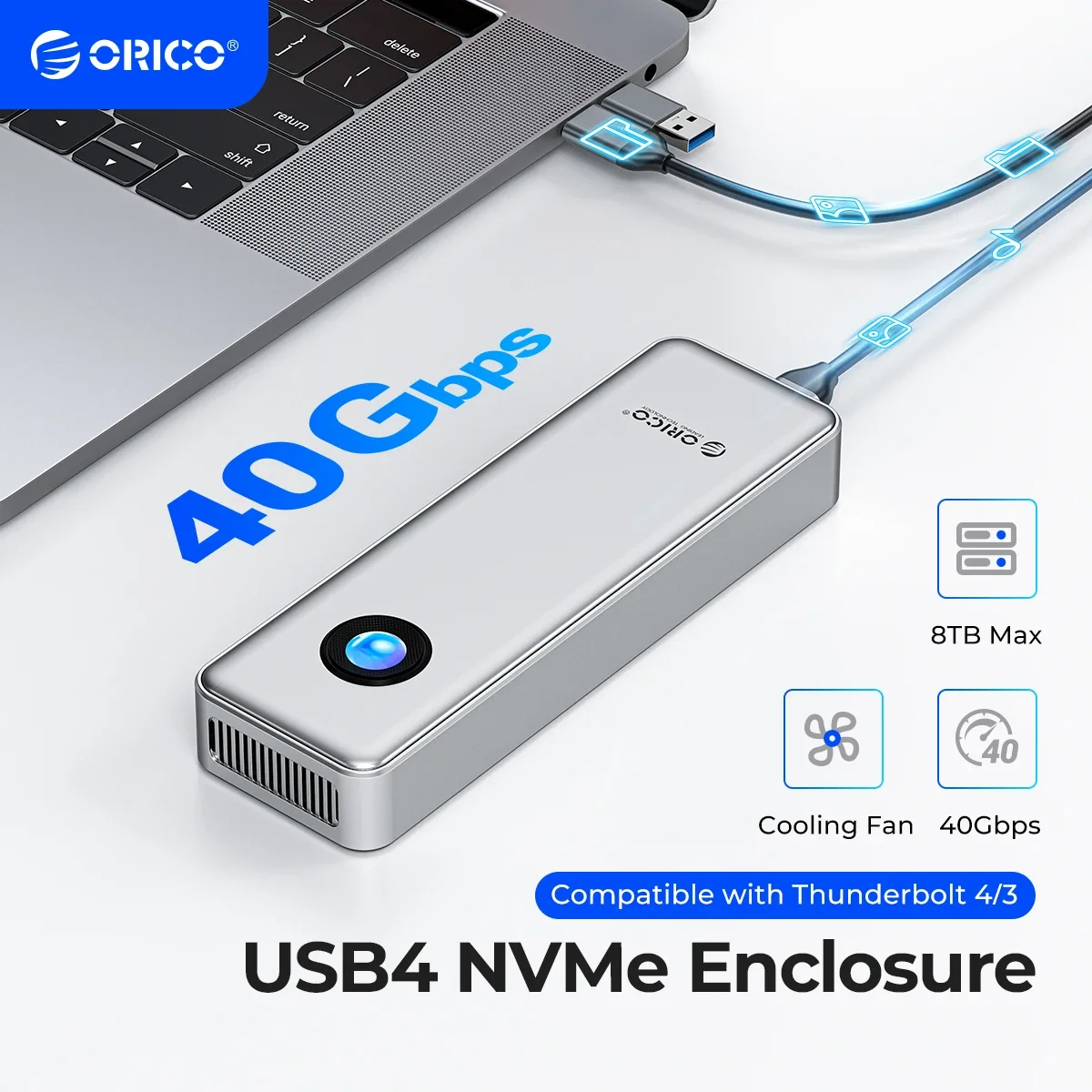
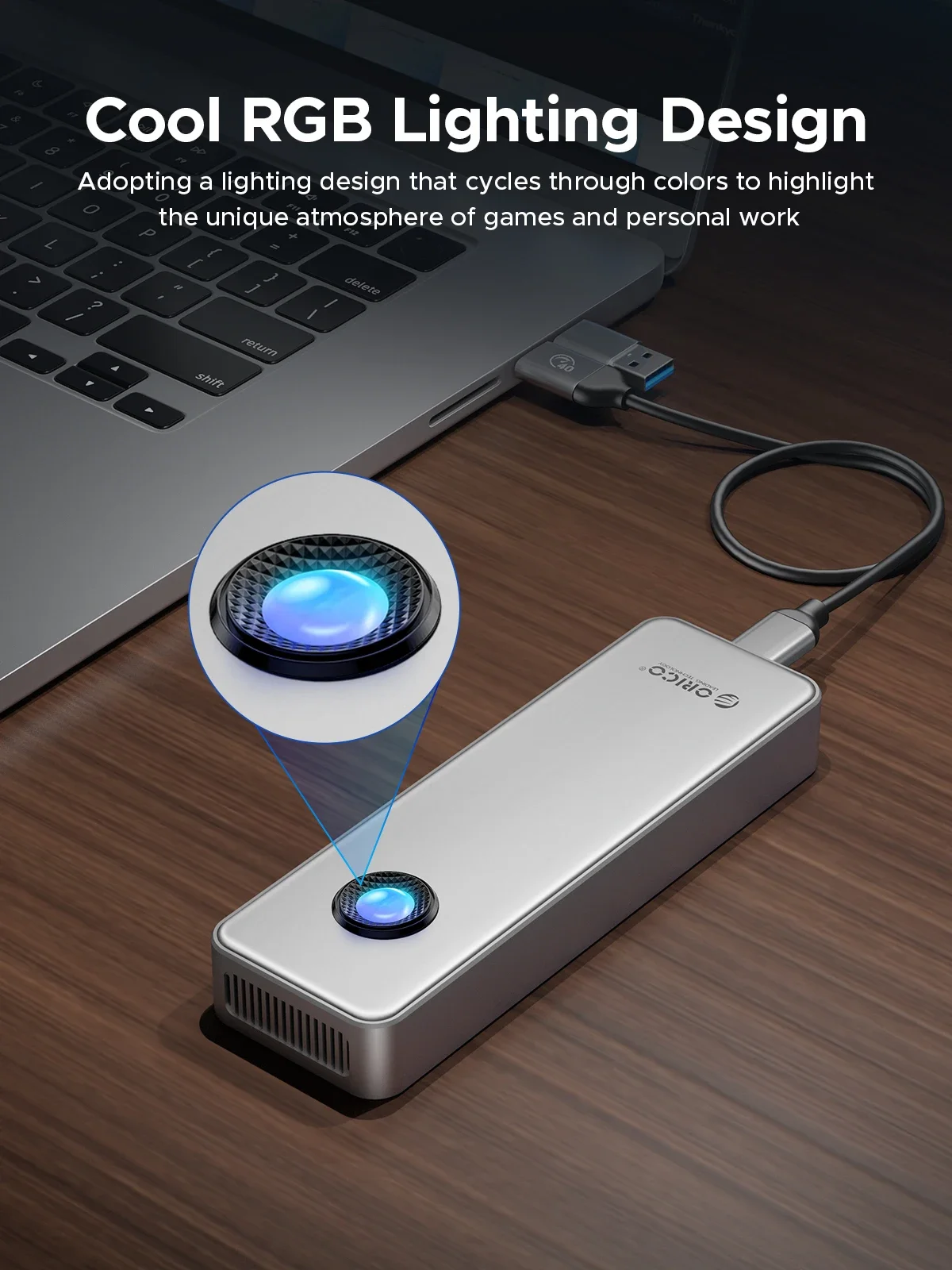
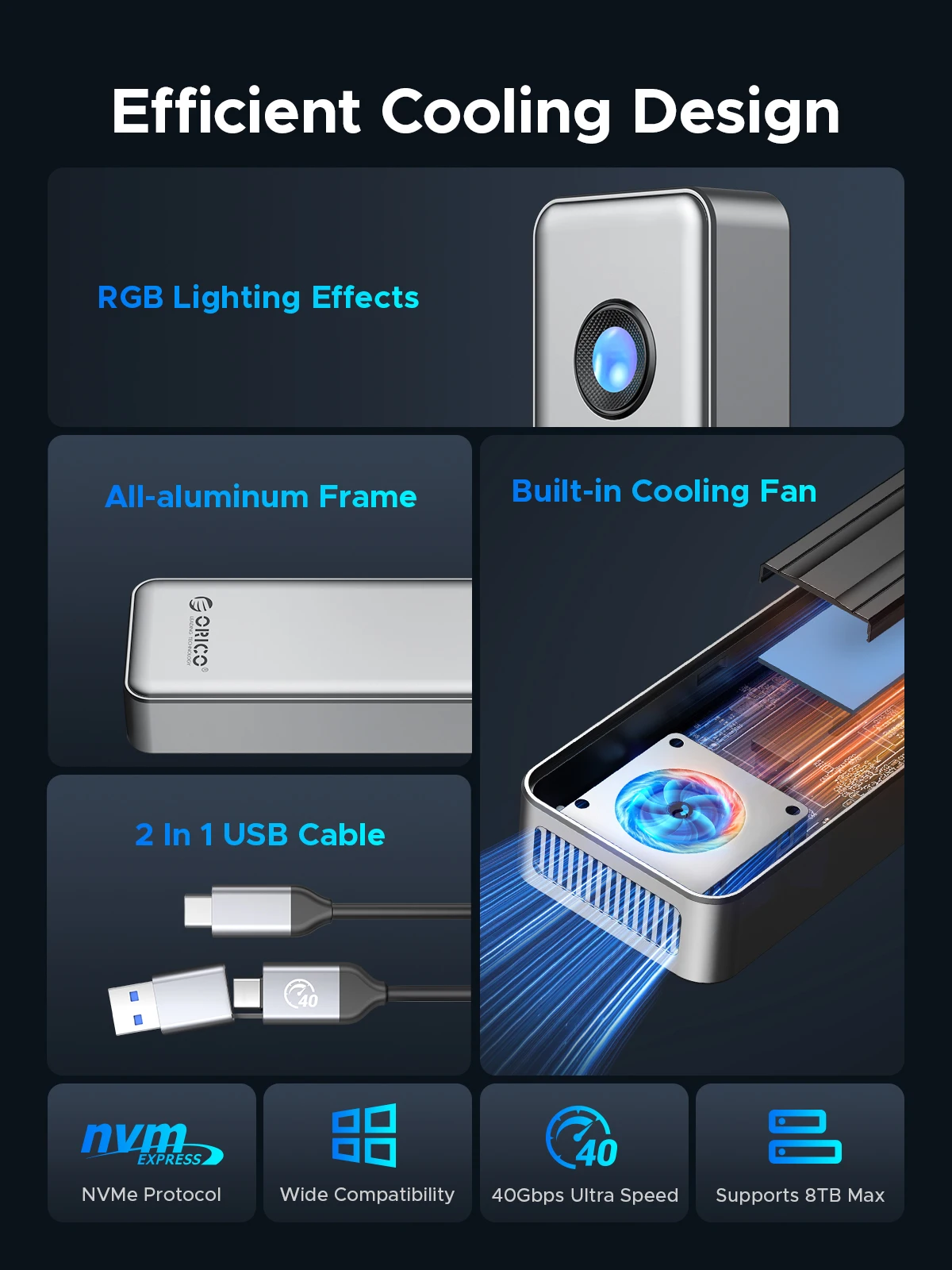
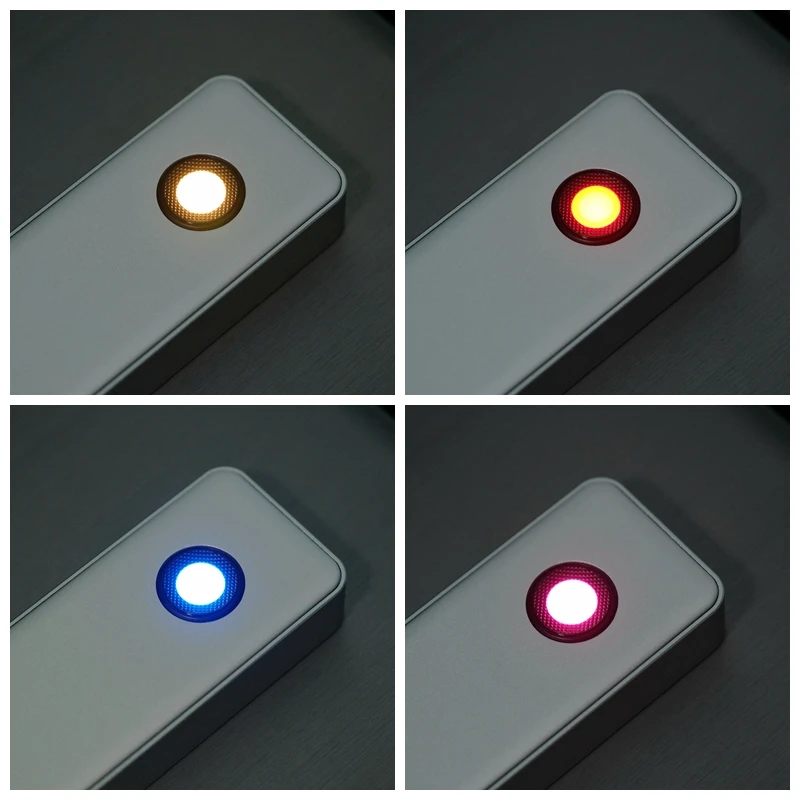
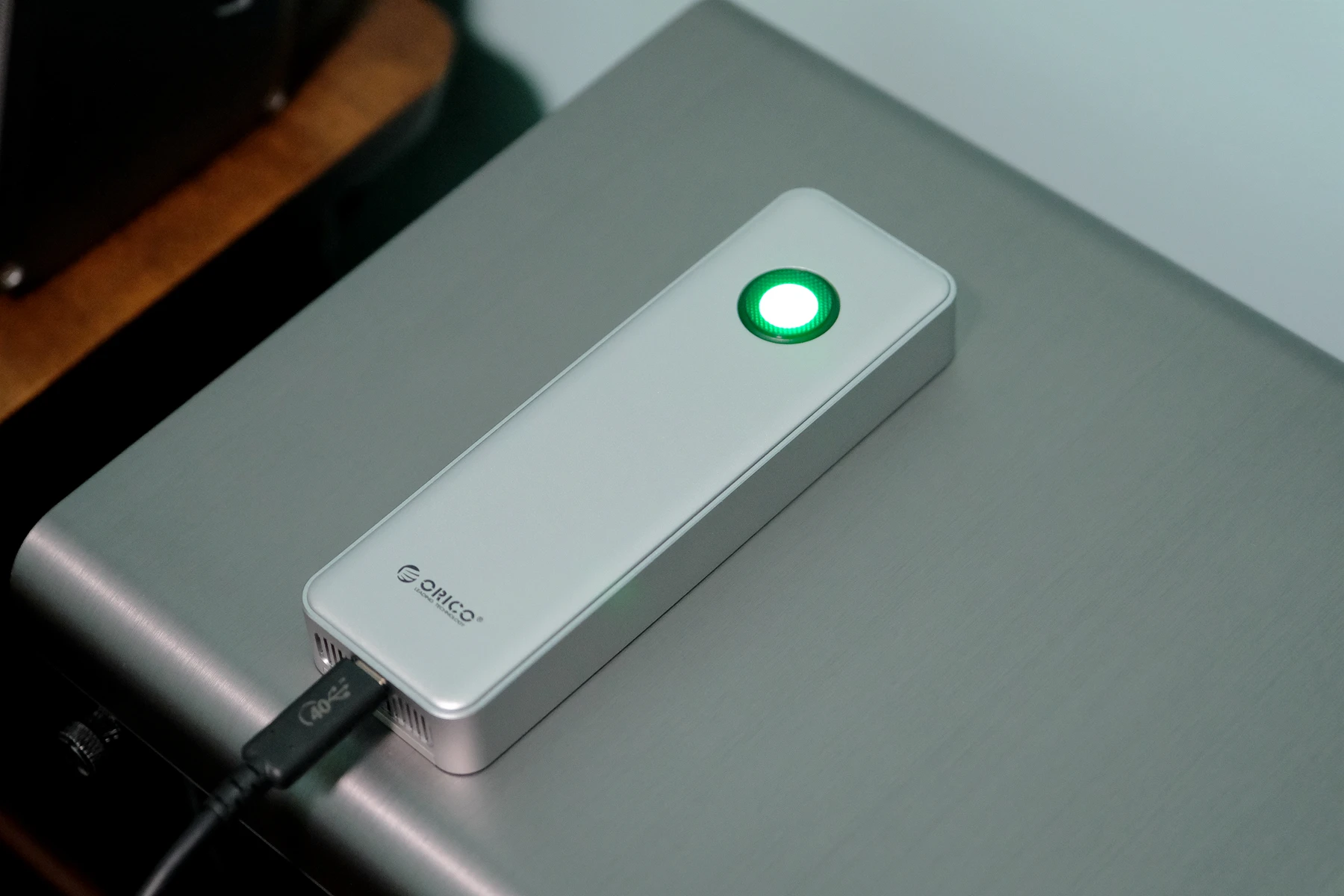
This SSD enclosure combines stylish appearance with excellent performance, featuring a circular RGB light effect that adds a fashionable touch. It also includes a built-in cooling fan and top and bottom heat dissipation grids for comprehensive data protection. Experience convenience and a great user experience whether you are a professional editor or a personal user.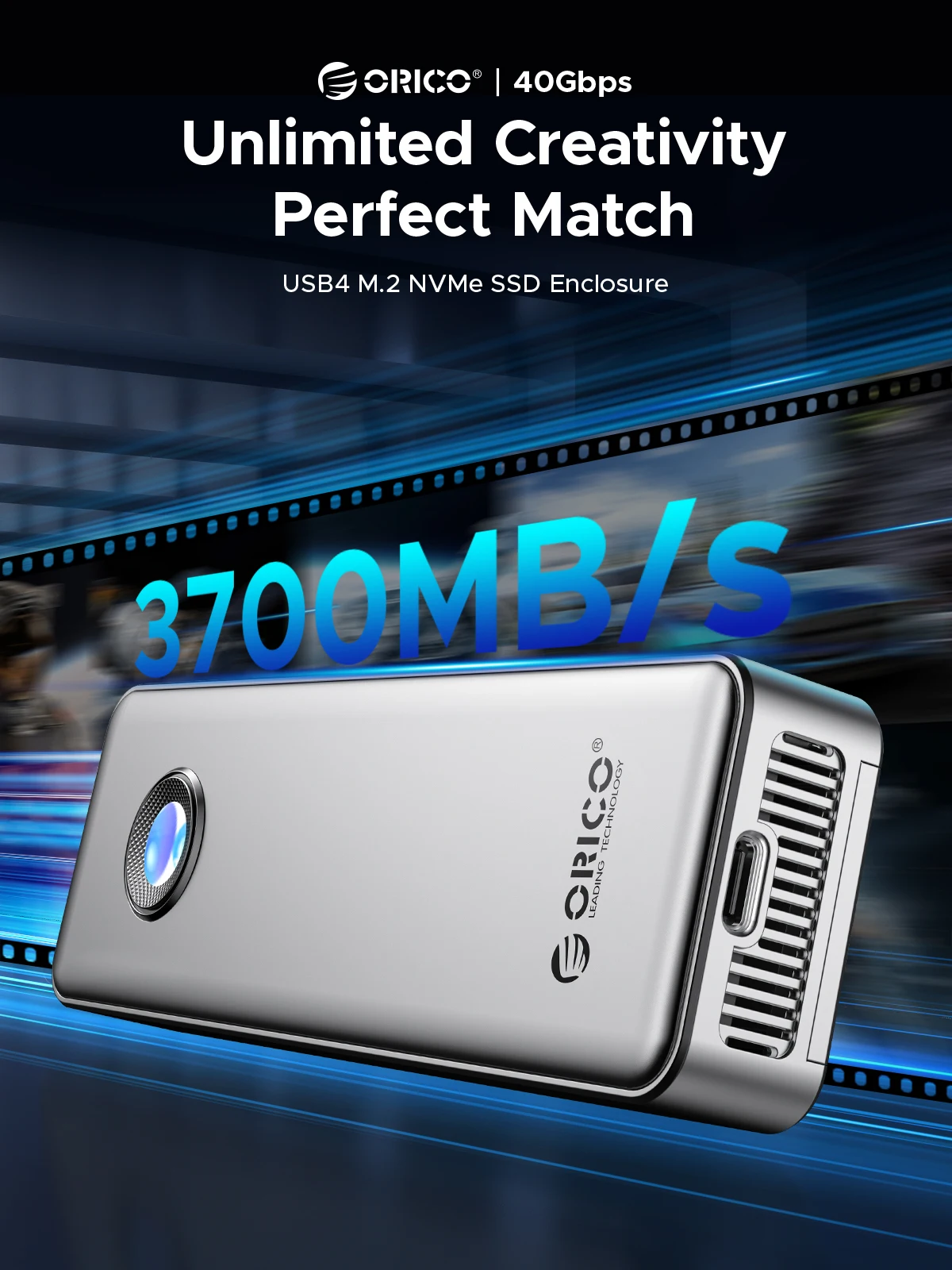
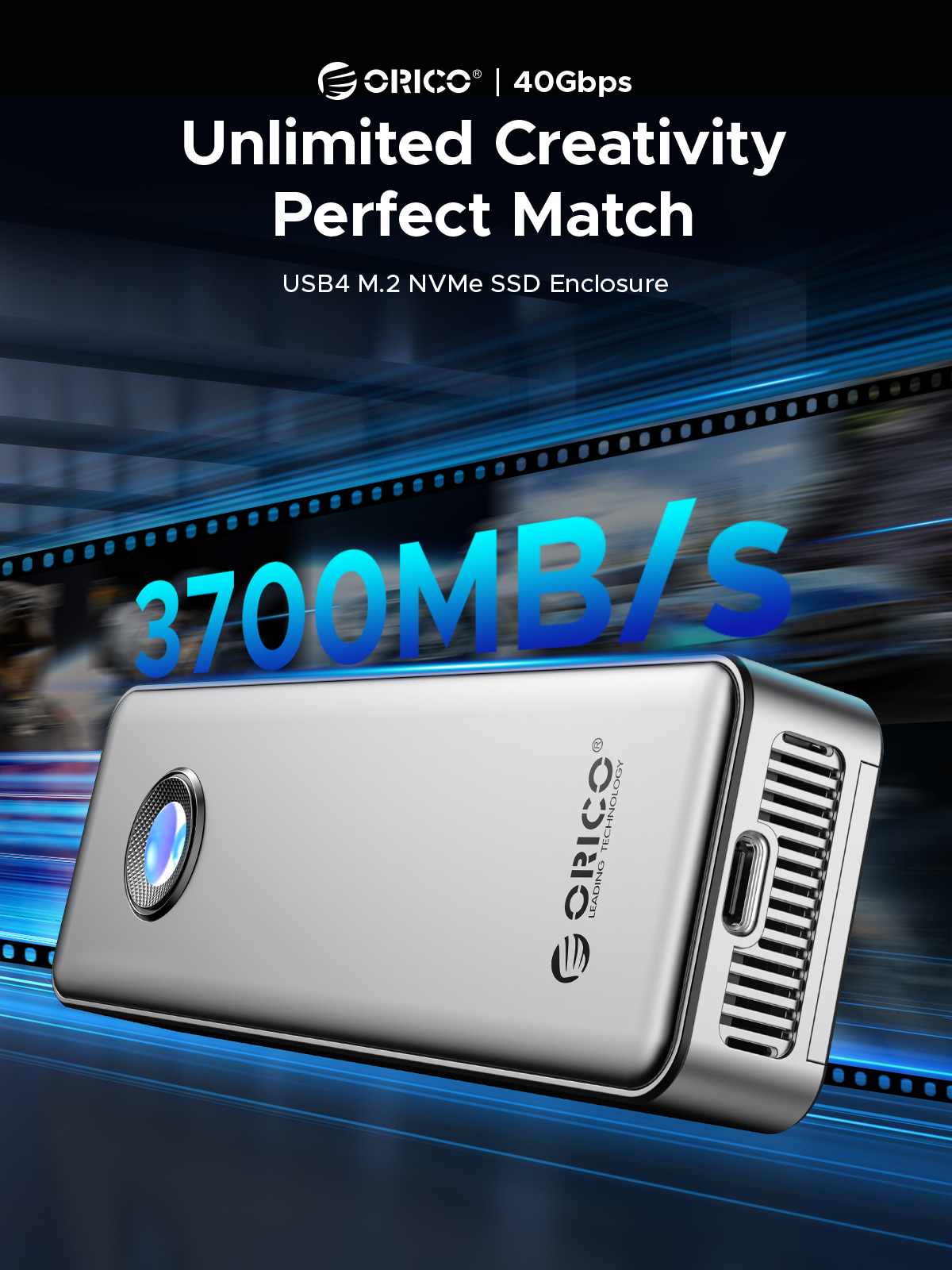
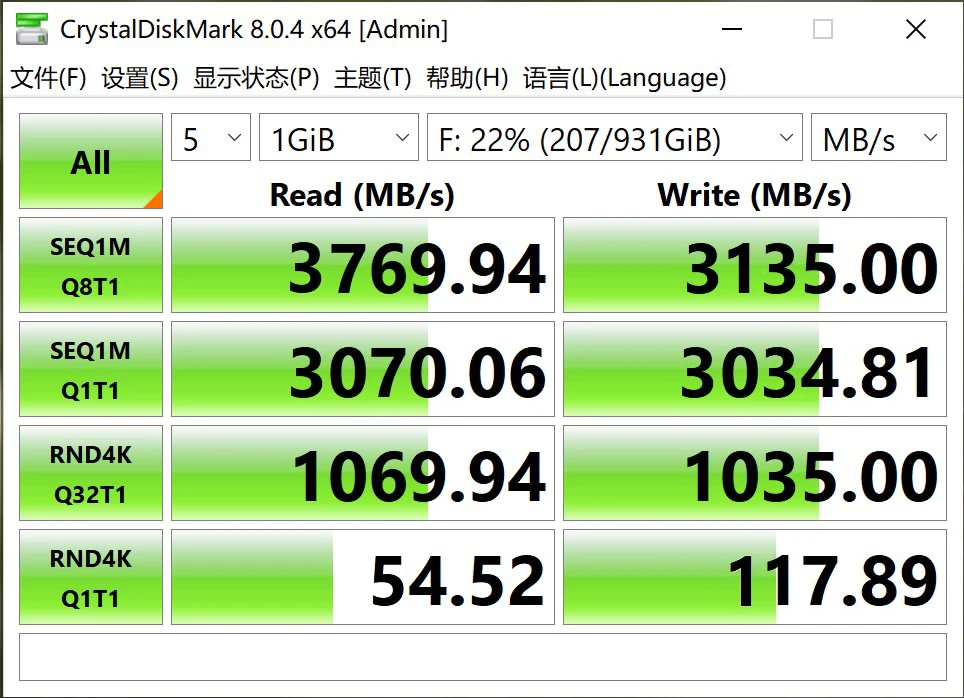
40Gbps Ultra Speed,Max 3.8GB/s Read and 3.1GB/s Write Speed
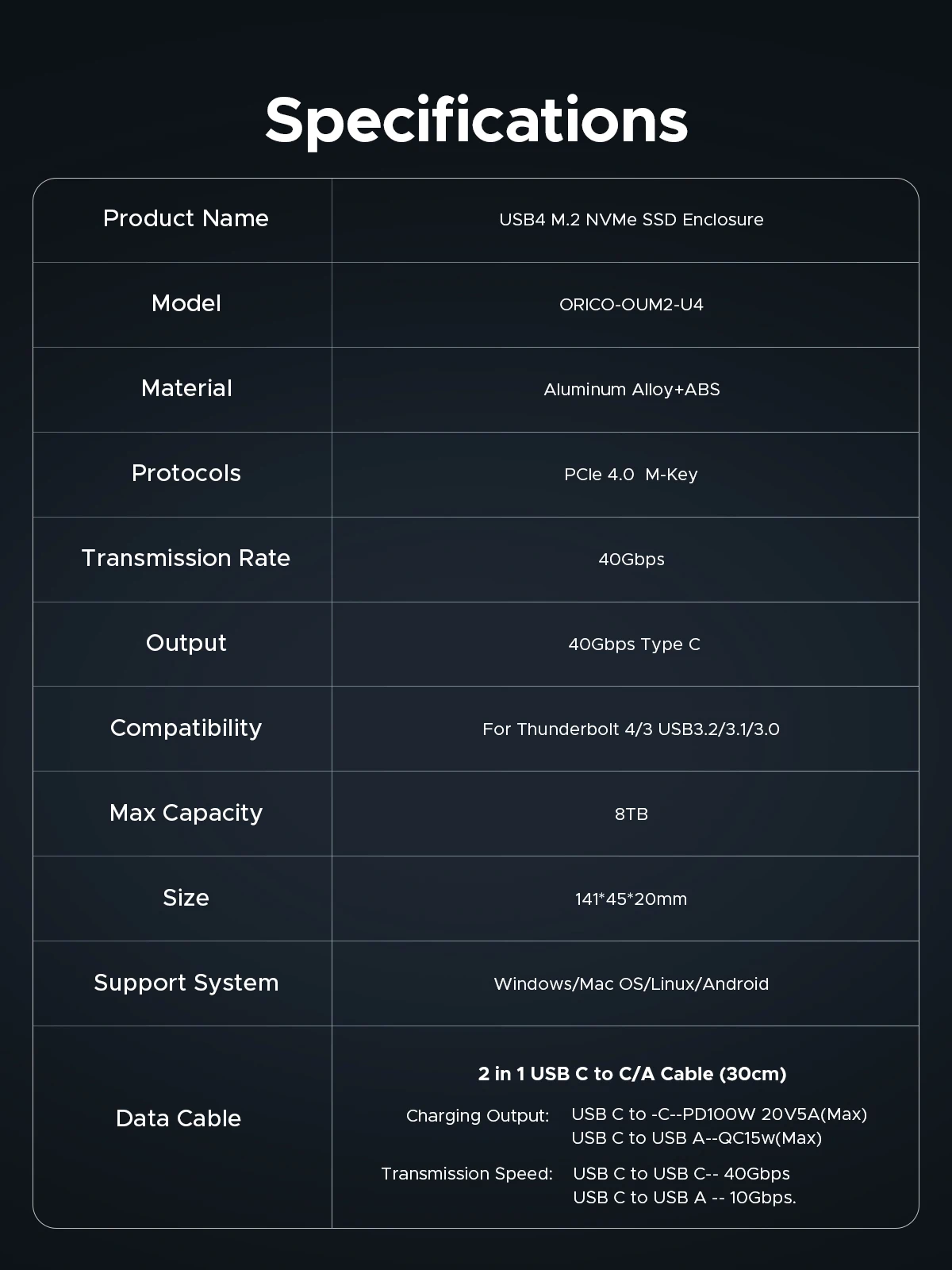
With USB4 Type C output interface, it supports the maximum transmission speed up to 40Gbps. The measured maximum continuous read speed can reach 3700MB/s, and the continuous write can reach 3100MB/s.(NOTE: Speed will be affected by ssd and computer performance)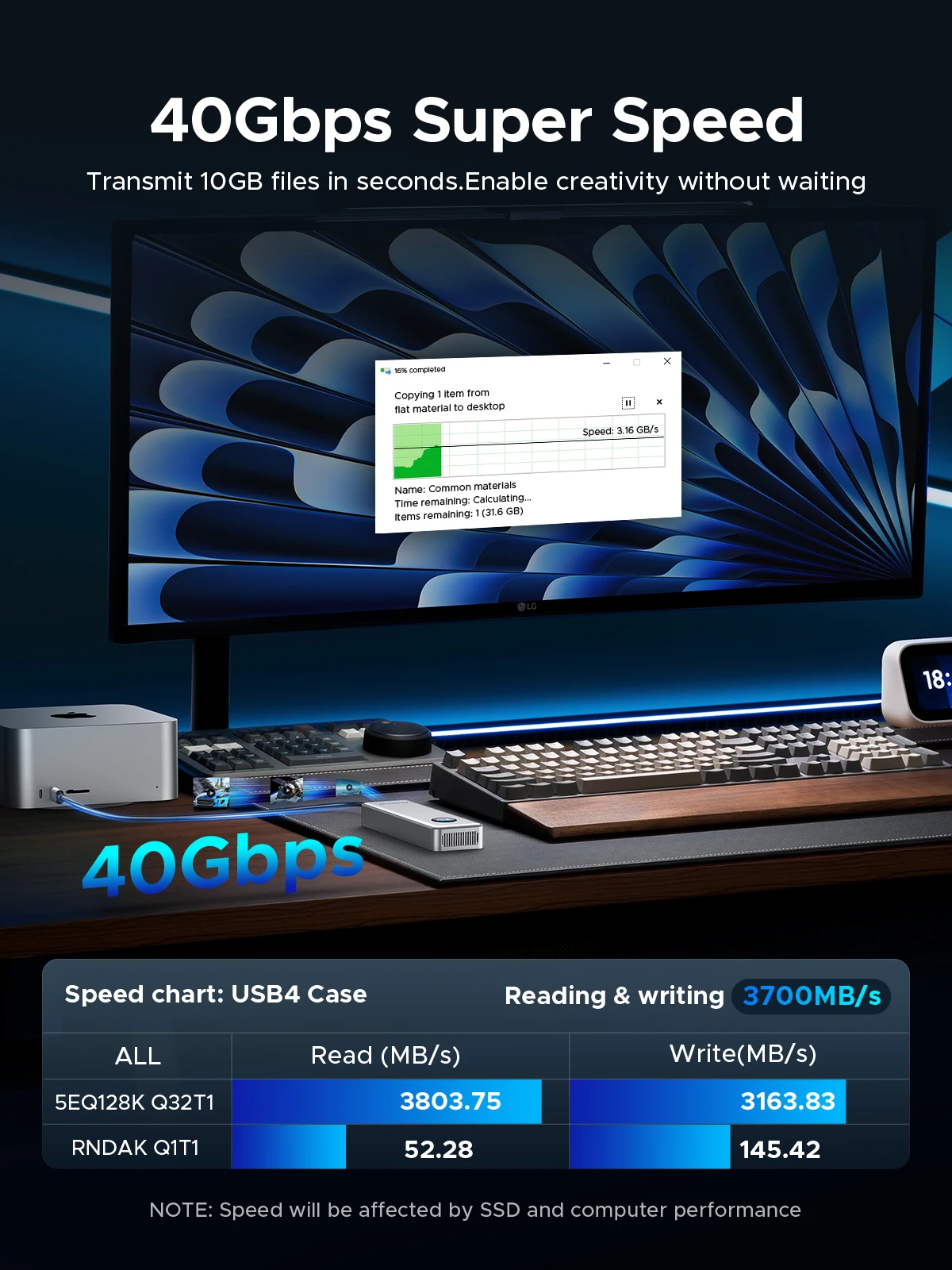
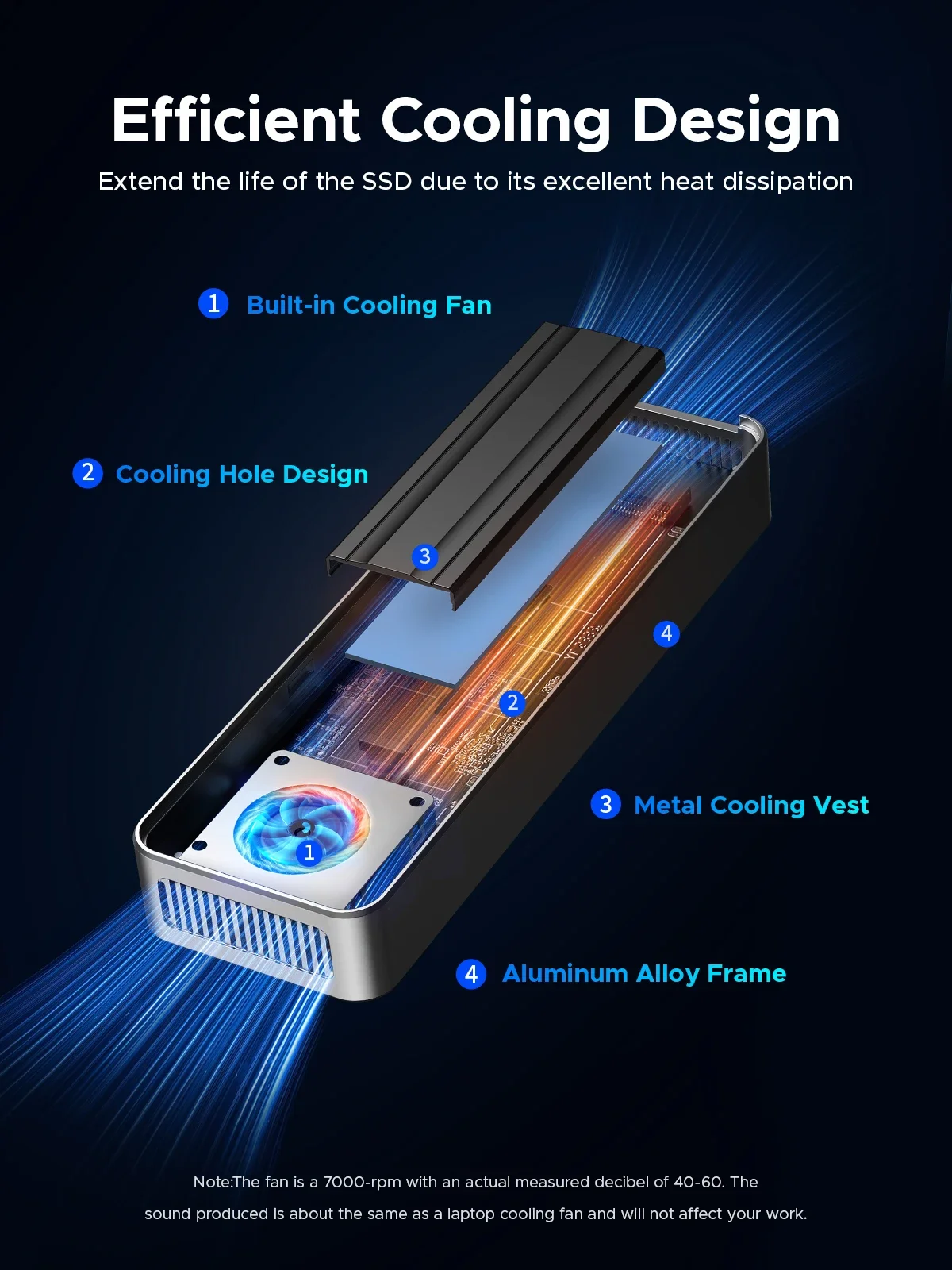
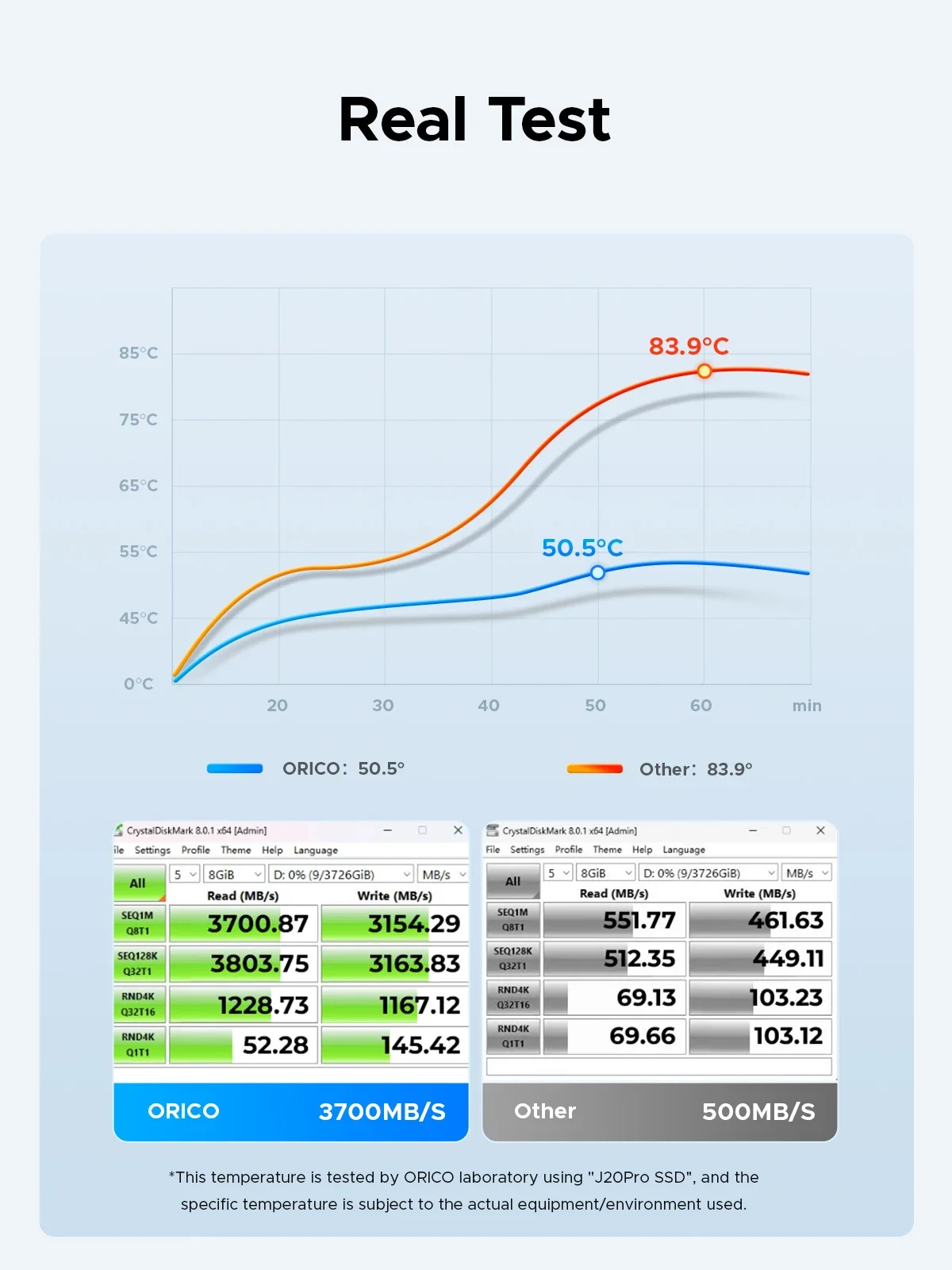 Multiple Heat Dissipation,Built-in cooling fan
SSDs can run really hot while transferring large amounts of data at high speed. built-in cooling fan and aluminum alloy shell with its generous heat sinks dissipates heat efficiently from the SSD, while an impact-resistant hard shell case shields the heat from the user while protecting the aluminum shell from bumps and scratches. This design ensures excellent durability and stability while ensuring that exterior low temperature even when transferring large amounts of data at high speed.(NOTE:The fan is a 7000-rpm with an actual measured decibel of 40-60. The sound produced is about the same as a laptop cooling fan and will not affect your work.)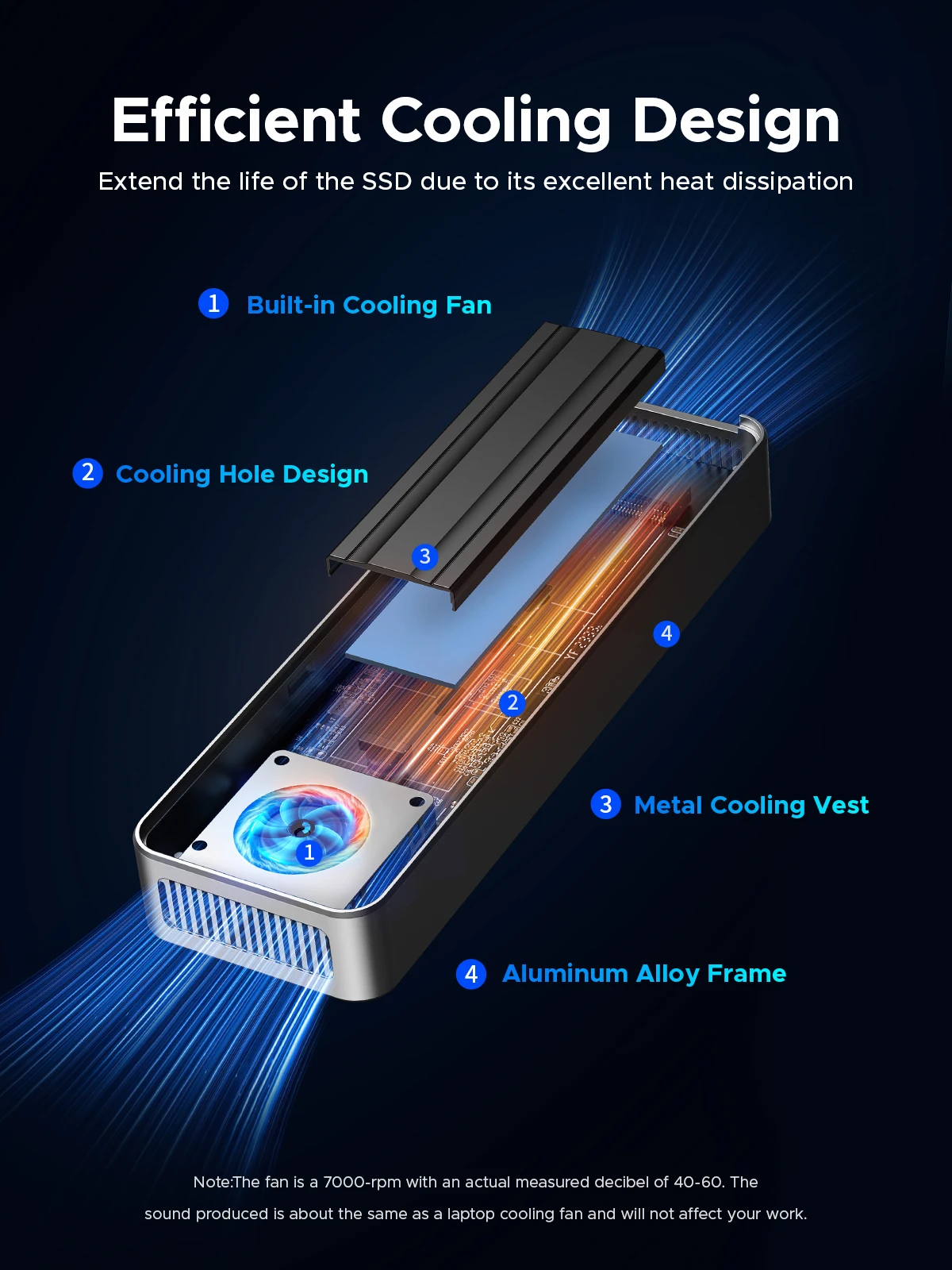
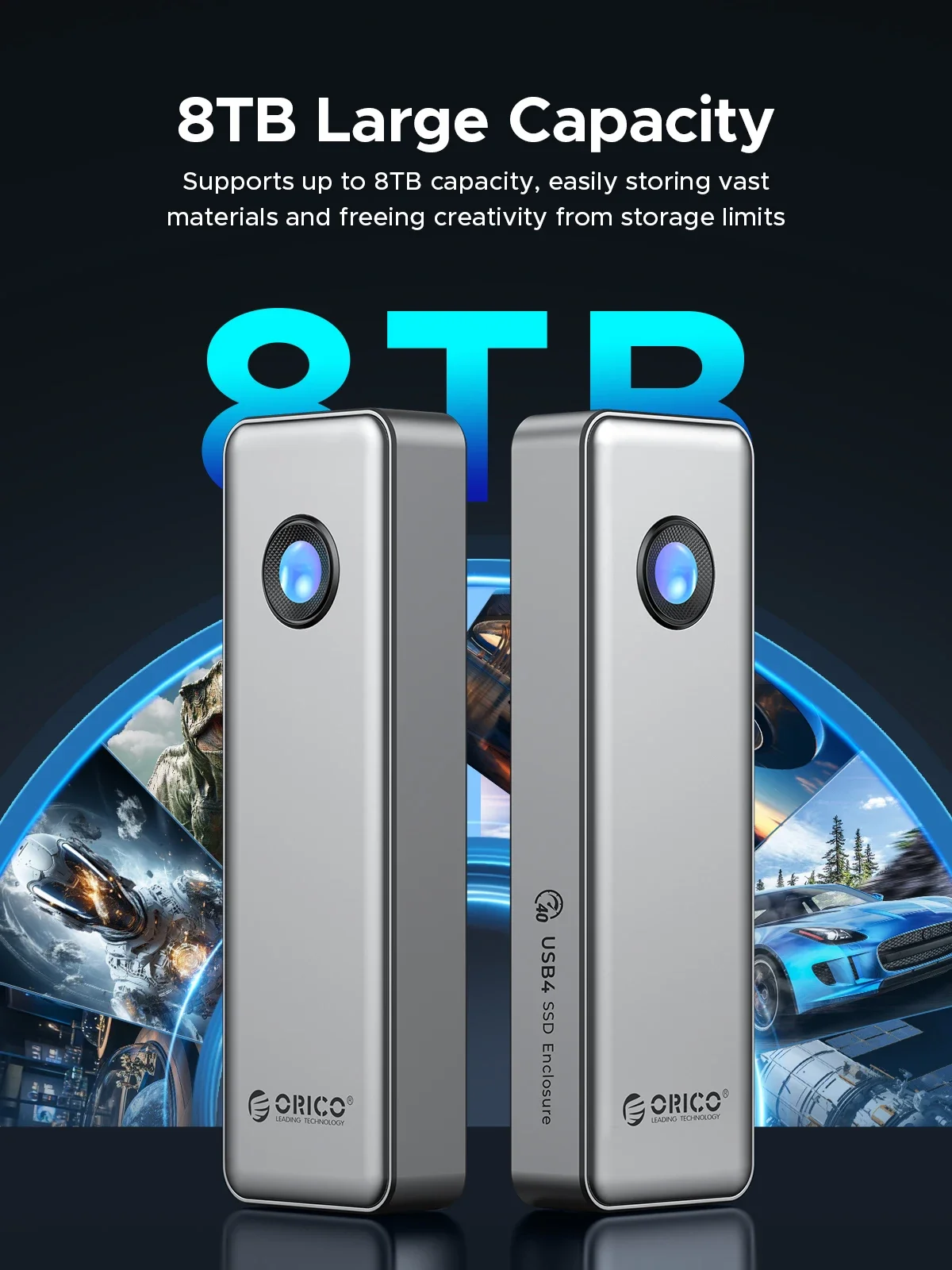
Supports 8TB Max
Expand your digital storage, large memory makes use more comfortable, if your job often requires data transmission, or you enjoy playing games or watching movies, then a large memory hard drive case is very suitable for you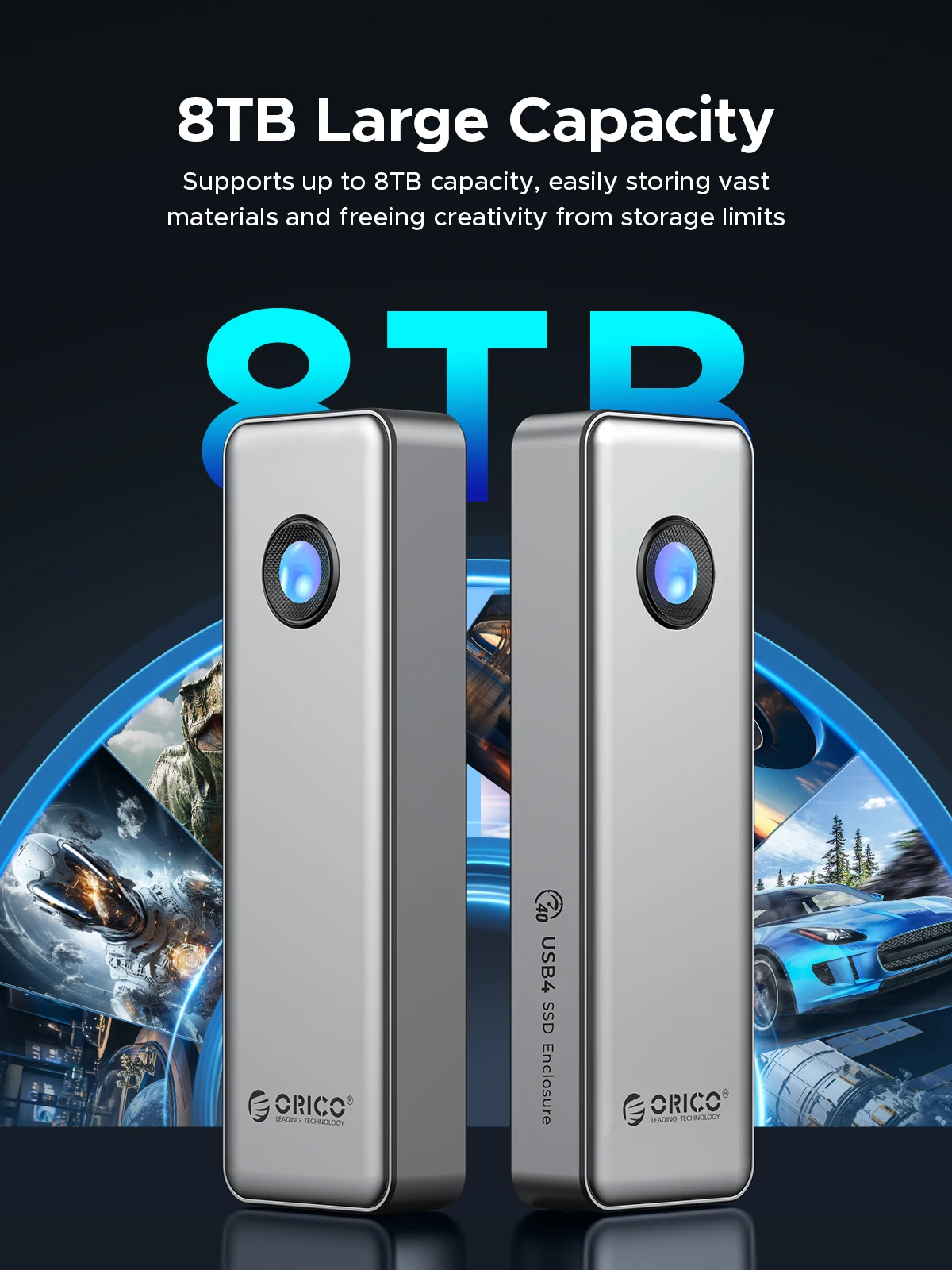
If You Want a Portable SSD, Please Click on The Image:
Circular RGB lighting effects
The design of the built-in turbo fan and through-type air duct helps the SSD quickly dissipate heat.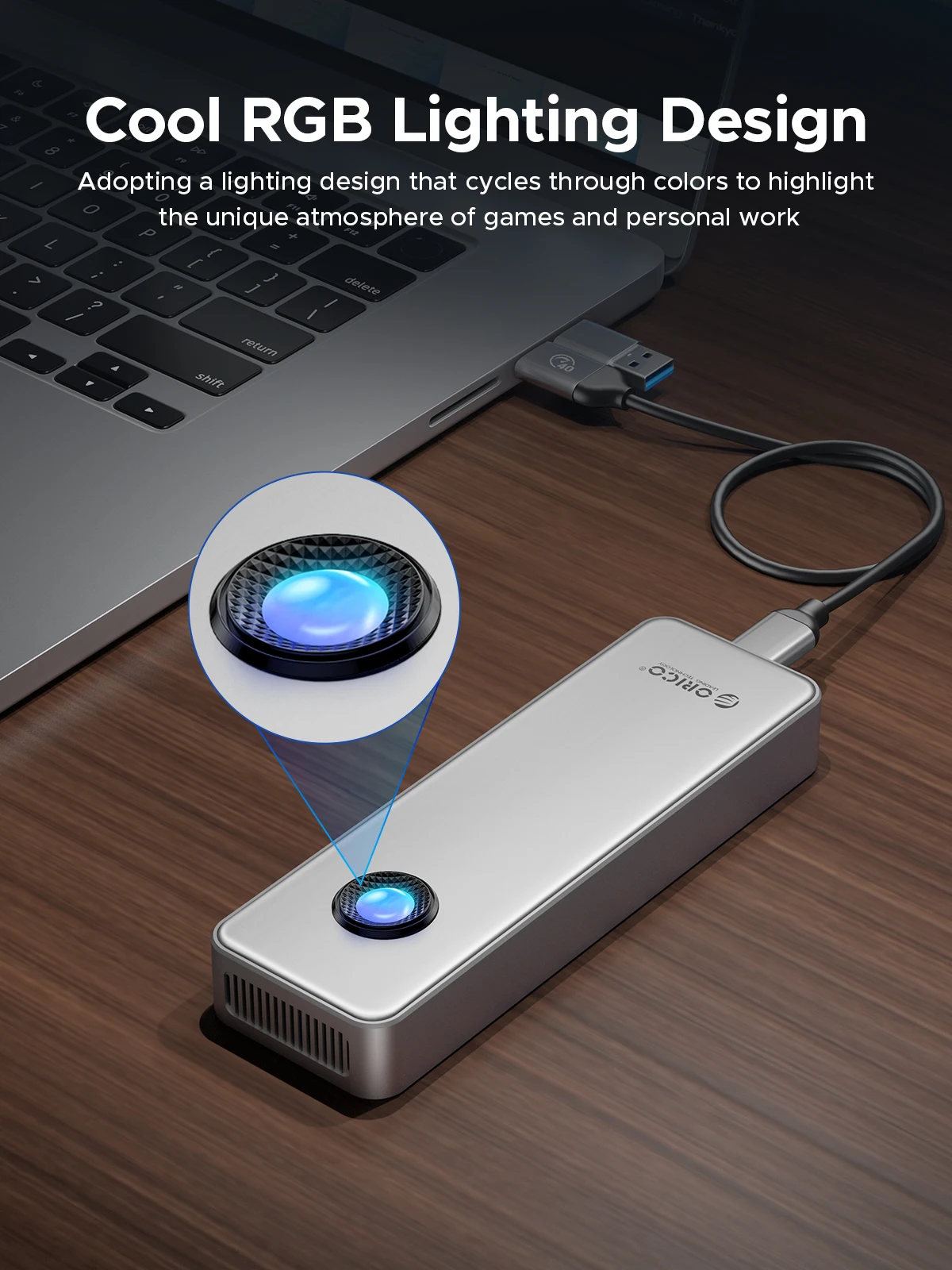 USB4 Latest ASM2464PD Chip
Compatible most Thunderbolt 3/4/USB4/USB3.2/3.1/3.0 device,support UASP/Trim.
Suitable for Gaming, Video Editing, Research, Design,Mac
Providing more capacity for backup for PC ,Mac mini and laptop, but also for smart TV, smart router and PS4 etc. 2 In 1 USB Cable
40Gbps data transmission and PD100w fast charging.NOTE:The included USB cable has 2 output ports, USB C to A (10Gbps/QC15W) and USB C to C (40Gbps/PD100W)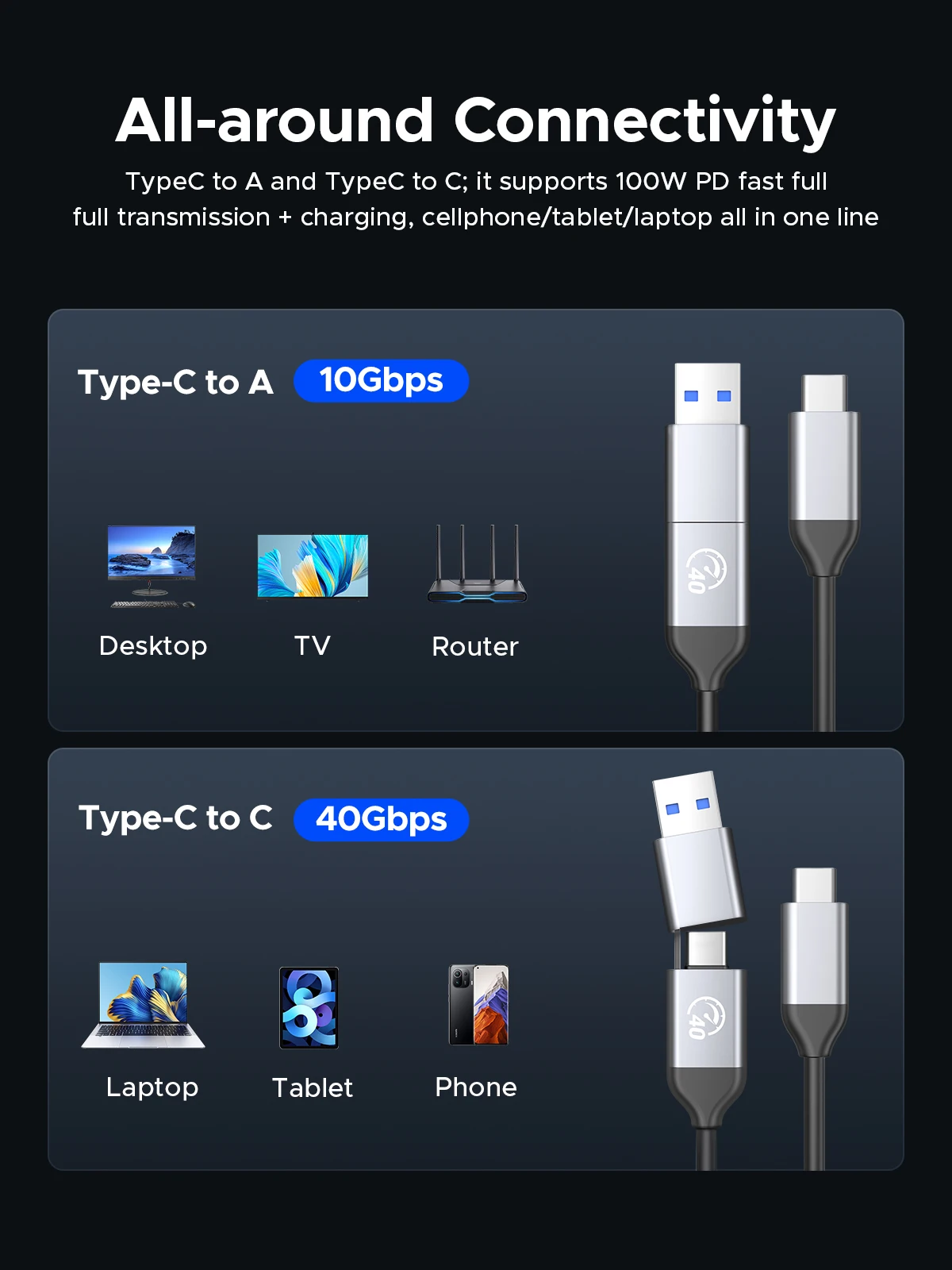 Tool Free Installation
Convenient and quick, easy to operate.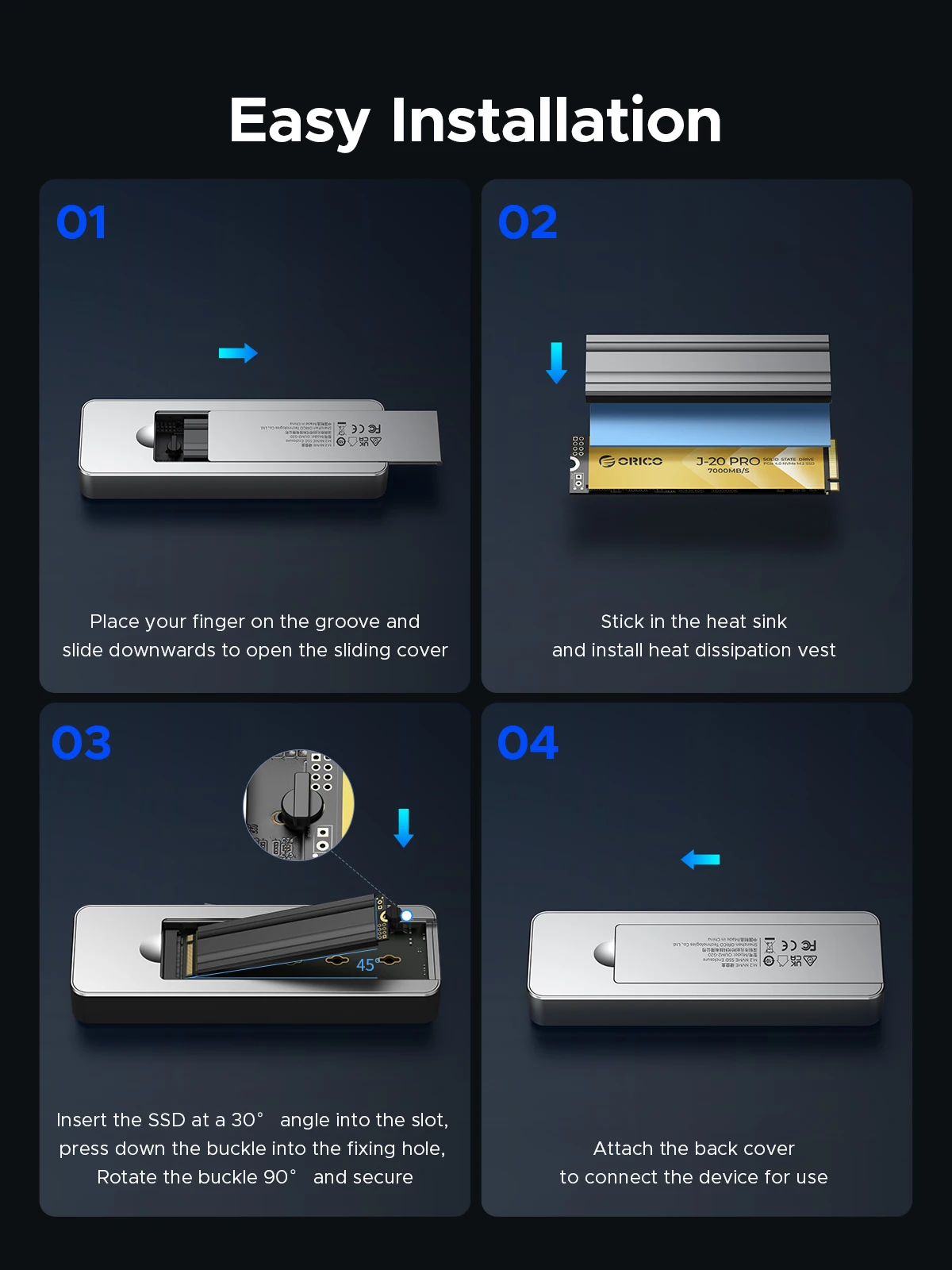 Wide Compatibility
Compatible with NVMe SSD in sizes 2230/2242/2260/2280.such as M.2 NVMe M Key SSD.included the latest PCIe Gen 4x4 SSD.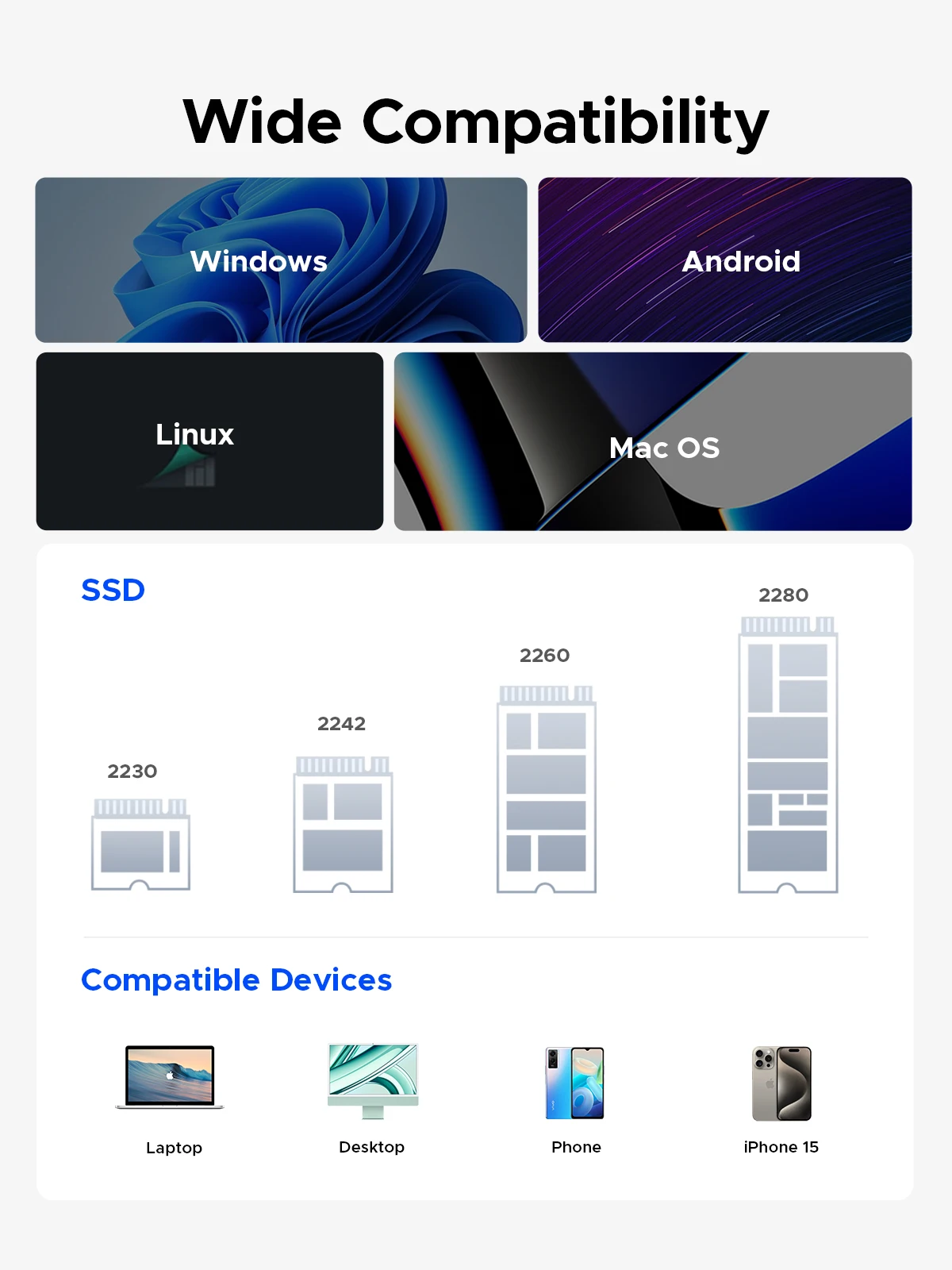
Buyer's Real Show (RGB lights for partial display)
Question:What are the normal temperature and the sound level of the cooling fan?
Answer:The normal operating temperature range of the M.2 solid-state drive is 0-70°C. To ensure good heat dissipation, the product is equipped with a high-speed fan that rotates at 7000 RPM, with a measured sound level of 40-60 decibels. The generated sound is similar in size to the cooling fans in your laptop and desktop computer.
Question:Why are there prompts when using a Mac?
Note: Whenever a Mac system unplugs the hard drive enclosure while the computer is on, it is considered forcibly unplugging a device from the PCIE port, which leads to the increase in the unsafe shutdown count prompt. To avoid this issue, only unplug the device after shutting down the computer. Windows systems do not encounter this situation.
Question:Why is the device using Thunderbolt not recognized?
Question:Unable to fit the heat pad with the top cover?
Question:Why is the speed not as fast as advertised?
1. Use PCI-E 3.0 or PCI-E 4.0 NVMe SSD.
2. Make sure your input device's USB-C port is USB4 or Thunderbolt 4.
3. Make sure all of them support USB4 or Thunderbolt 4 if you use intermediate devices and cables.
Question:How to format an SSD?
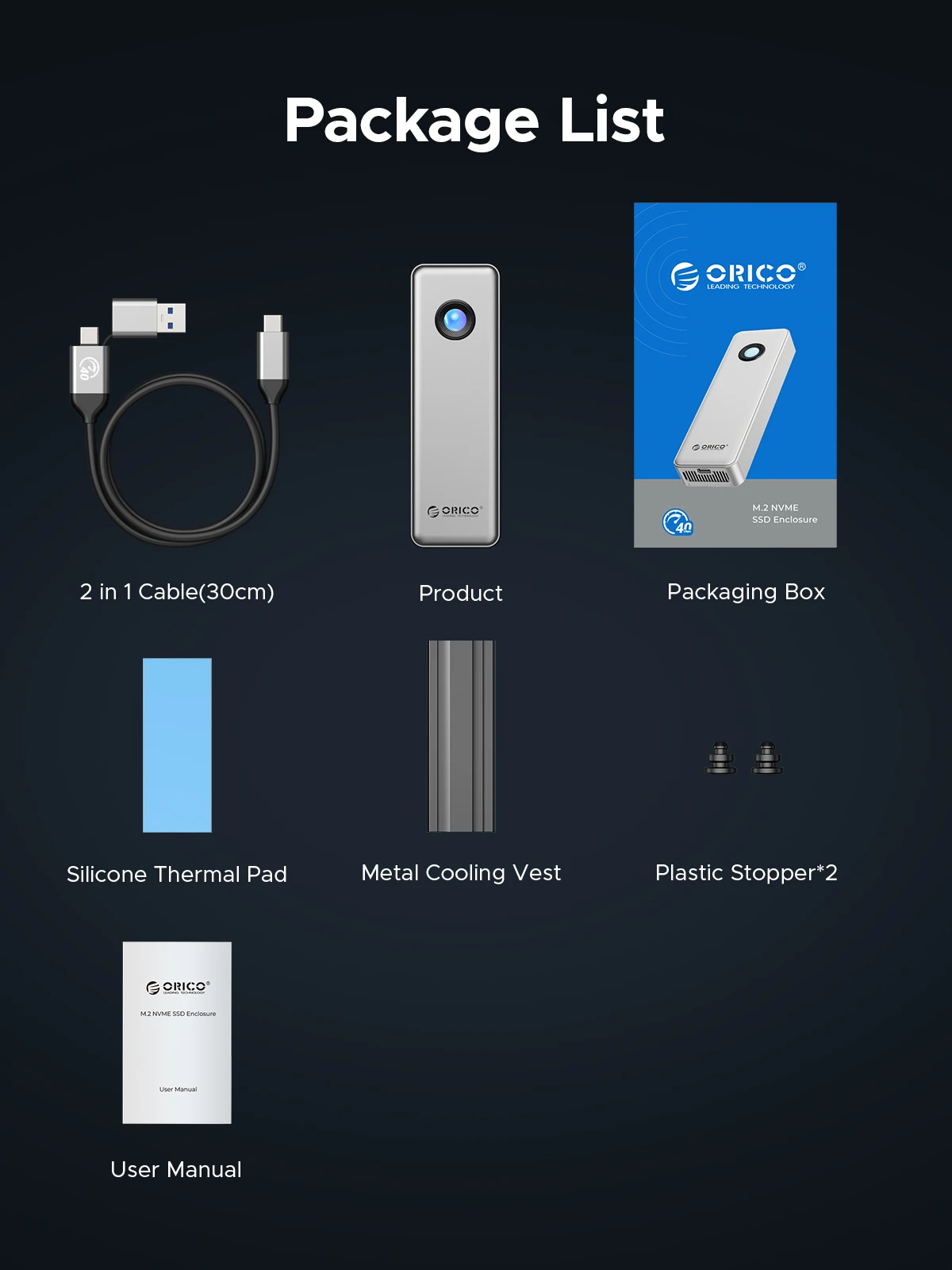
Product Packaging
check_circle
check_circle


Comments (0)
Your review appreciation cannot be sent
Report comment
Report sent
Your report cannot be sent